CLOUD WORKSPACE
Commercial work, shared project context, delivery, service and executive views.
Software for AV integrators.
Capture, engineer, sell, deliver and support.

01 / Capture
Capture the room, the observations and the evidence. Give the office something richer than a folder of disconnected photos.

02 / Design & check
Connect the room to the system: coverage, sightlines, infrastructure and the decisions behind every equipment choice.

03 / Estimate & sell
Shape the job before a detailed design exists. Keep customer choices, agreed prices and accepted scope easy to trace.

04 / Buy & track
Connect the order to its destination, the delivery evidence and what was actually received, whether it belongs to an installation or a standalone order.

05 / Plan & install
Carry scope, ownership and evidence into the field. Make progress and blockers visible without rebuilding the job in messages.
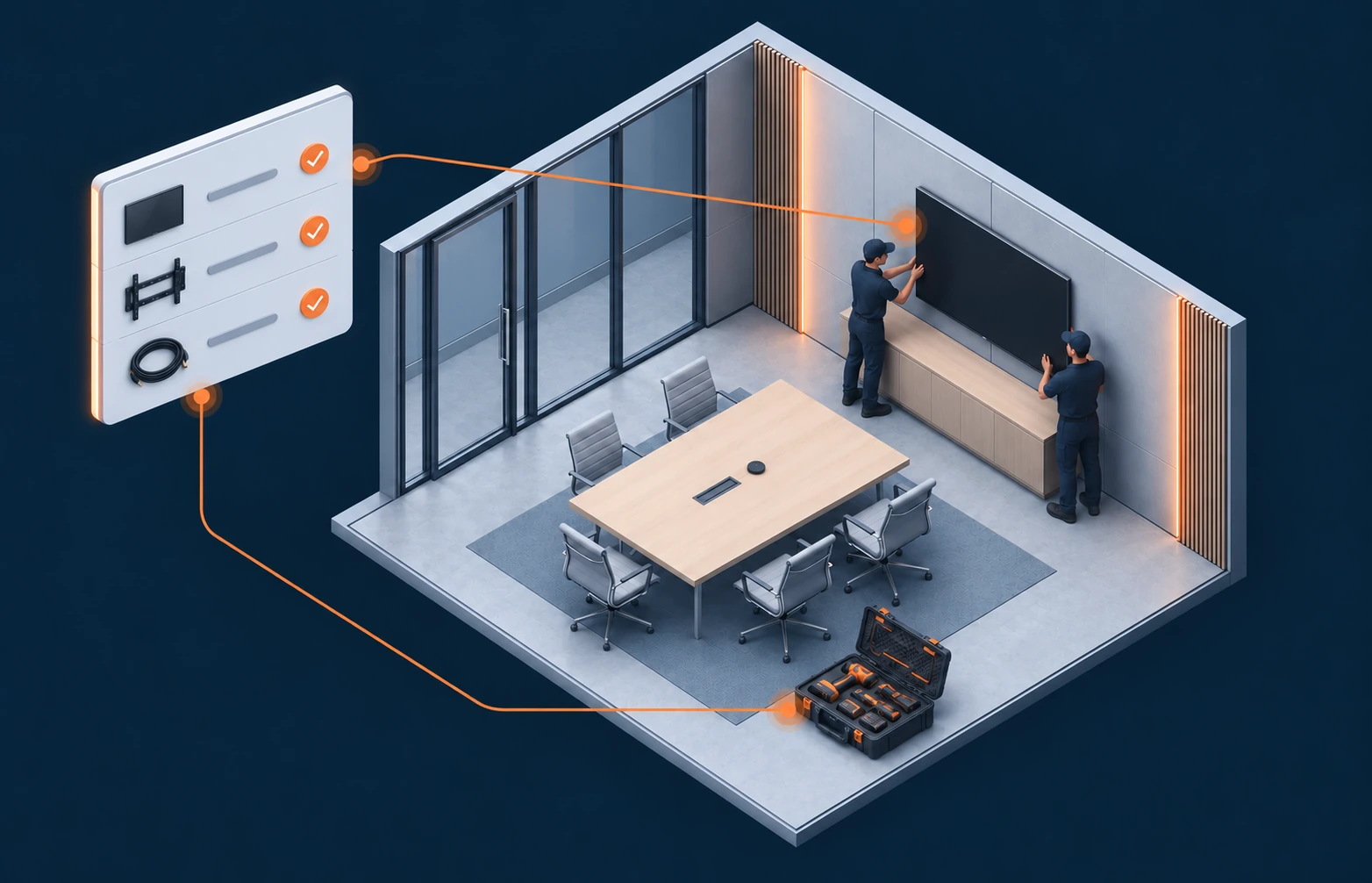
06 / Commission & support
Record the evidence of delivery, then carry the installed system’s history into the next visit.

07 / Report & lead
Bring permitted project and commercial facts into focus. Follow the pipeline, the work and the exceptions behind the headline numbers.

08 / Assist throughout
Use the context already in the job. Assist helps draft, explain, compare and check while your team reviews the important decisions.

CLOUD WORKSPACE
Commercial work, shared project context, delivery, service and executive views.
MAC TOOLS
Reconstruction, AV engineering, acoustic tools and technical deliverables.
CAPTURE FOR IPHONE & IPAD
Room capture, photos, offline forms and practical field tools.
SpaceBunny is in private beta. Capabilities vary by app and connected service. Your company’s authorized accounts and permissions govern external connections.
Follow the job
01Sales · Scope
CompleteCaptured by Sales
02Design
Rev B approvedDrawn by Design
03Engineering
Ready for siteChecked by Engineering
04PM · Delivery
AcceptedSigned off by PM
05Field · Service
OpenAssigned to Field
03 - YOUR BUSINESS, CONNECTED
The room is only the beginning. Explore how your tools could work around one shared project.
 SpaceBunny.One shared project
ROOM → PROJECT
Bring scans, site images and acoustic measurements into the same project.
Explore a connection
The routes below describe possible methods, not a guarantee that every connection is available in beta. We confirm each route’s readiness, required app, accounts, licenses and permissions for your pilot.
 Insta360 X6360 video · .insv
Bring site context from 360 capture into the project.
 iPhone & iPadLiDAR capture
Turn measured spaces into room context.
 miniDSP UMIK-1 / UMIK-2USB measurement microphones
Associate acoustic measurements with the room.
 Dayton Audio iMM-6CMobile measurement microphone
Carry measurement context from site to design.
 AutoCADDXF / DWG export
Exchange drawings through the CAD export route.
 RevitIFC4 export
Hand measured project geometry to the BIM workflow.
 ArchicadIFC4 export
Carry room geometry into the building model.
 VectorworksIFC4 export
Share geometry with the design team.
 SketchUpDAE / OBJ / GLB export
Continue modelling with an open geometry handoff.
 D-ToolsCSV export
Carry proposal data through a file handoff.
 JetbuiltAPI push
Project and proposal handoff through its API.
 Portal.ioAPI push
Project and proposal handoff through its API.
 ClaudeCustomer API key
Use an authorized Anthropic API account.
 OpenAICustomer API key
Use an authorized OpenAI API account, separate from a ChatGPT subscription.
ChatGPTPending approvalChatGPT connection, subject to OpenAI approval. It is not currently available.
 GeminiAI images
Image generation using the company’s authorized account.
 RunPodCloud training
Cloud compute for model training.
Apple AIOn-device iPhoneExplore on-device assistance for capture workflows.
 Hugging FaceOpen models
Use suitable open models under their licences.
 Local AIOn your Mac
Keep suitable model workflows on-device.
 Cloudflare R2Share links
Project sharing using customer-owned storage.
 Amazon S3Share links
Project sharing using customer-owned storage.
Link the project with company mail and files.
 Google WorkspaceGmail / Drive
Link the project with company mail and files.
Carry customer and deal context into the job.
 HubSpotContacts / deals
Keep customer context connected to project work.
 SlackJob alerts
Send relevant project events to authorized channels.
 DocuSignSigning
Signing handoff for project documents.
Keep project files in the company’s document environment.
 ZapierEvents in / out
Event exchange with the team’s automations.
 MakeEvents in / out
Event exchange with the team’s automations.
 XeroDraft invoices
Prepare a draft invoice for review in the company’s accounting workflow.
 StripePayment Links
Handoff to customer-owned payment links.
 QuickBooksAccounting sync
Accounting exchange with the company’s account.
 SAP Business OneAPI
Exchange through an authorized enterprise API.
Exchange through an authorized enterprise API.
 Sage IntacctAPI
Exchange through an authorized accounting API.
 Zoho Books / CRMAPI
Exchange with company accounting and CRM.
 AvalaraJob-address tax
Tax calculation using the job address and authorized account.
SAP AribacXML POs / invoicesPurchase-order and invoice exchange.
 Q360File import
Exchange agreed data through files.
 KhameleonFile import
Exchange agreed data through files.
 iPointFile import
Exchange agreed data through files.
Exchange agreed data through files.
Carry quote data through an agreed file handoff.
 Google ShoppingProducts / ads
Product-feed handoff.
 ADIPrice-list import
Bring supplier catalogues into the commercial workflow.
 Exertis AlmoPrice-list import
Bring supplier catalogues into the commercial workflow.
 Any distributor or makerCSV / Excel import
Use an agreed catalogue file when a direct API is unavailable.
Distributor catalogue and availability data.
 Ingram MicroPrices / stock
Distributor catalogue and availability data.
EQ handoff for compatible processors, subject to device support and authorized access.
 Biamp TesiraEQ writeback
EQ handoff for compatible processors, subject to device support and authorized access.
 SymetrixEQ writeback
EQ handoff for compatible processors, subject to device support and authorized access.
 ProcoreRFIs / issues
Project issue exchange.
 Autodesk ACCRFIs / issues
Project issue exchange.
 ConnectWise PSATickets / projects
Carry project context into service work.
No tools match that search. Try a different name or workflow.
A direct conversation with the person building the product. William stays involved throughout private beta, from the first introduction to feedback from your team.
Read our storySource code is available for enterprise review. Discuss architecture, data handling and security requirements directly with William.
We do not currently claim a SOC 2 report or ISO 27001 certification.
We’re working with AV teams on real projects to refine the workflow, validate connections and improve the experience from site visit to service.
PRIVATE BETA
Tell us about your team and the handoff you want to improve. William will review your request and discuss a focused pilot, supported features and the connections you need.
First conversation. Discuss your workflow, team and existing systems with William.
A focused pilot. Discuss scope, participation, support and any costs before onboarding.
Your project data. Before sharing project material, discuss access, hosting, connected-system permissions, export and retention with William. The website privacy notice covers this request, not app projects.
Private beta access by invitation. Every request is reviewed individually.

Talk directly with William.
Founder, SpaceBunny